
Introduction
The rise of remote work has transformed the way we think about home offices, merging personal spaces with professional duties. While this transition offers immense flexibility, it also introduces a critical challenge: cybersecurity. With cyber threats evolving rapidly, securing your home office is not just a luxury but a necessity. This comprehensive guide explores the best practices for remote workers to protect their digital environments from potential breaches.
From understanding the basics of cybersecurity to implementing advanced security measures, this guide will equip you with the knowledge needed to safeguard your home office. Let’s dive into the various aspects of cybersecurity that every remote worker should consider.
Understanding Cybersecurity Basics
Cybersecurity refers to the practices and technologies designed to protect systems, networks, and data from cyber attacks. For remote workers, it means securing your home office against unauthorized access and data breaches. Understanding the basics of cybersecurity is the first step in building a robust defense.
One fundamental aspect of cybersecurity is recognizing the types of threats you might face. These threats range from phishing attacks, malware, ransomware, to more sophisticated threats like zero-day exploits. Each threat requires a different approach for mitigation, but the underlying principle remains the same: vigilance and preparedness.
Common Threats Remote Workers Face
Among the most common threats are phishing attacks, where attackers pretend to be trustworthy entities to trick you into revealing sensitive information. Another prevalent threat is malware, which can be introduced to your system through seemingly harmless downloads or email attachments.
Ransomware attacks are particularly damaging, as they lock your files until you pay a ransom. Understanding these threats and their potential impact can help you formulate an effective defense strategy. For more insights, check out this detailed resource on cybersecurity threats.
Creating a Secure Home Network
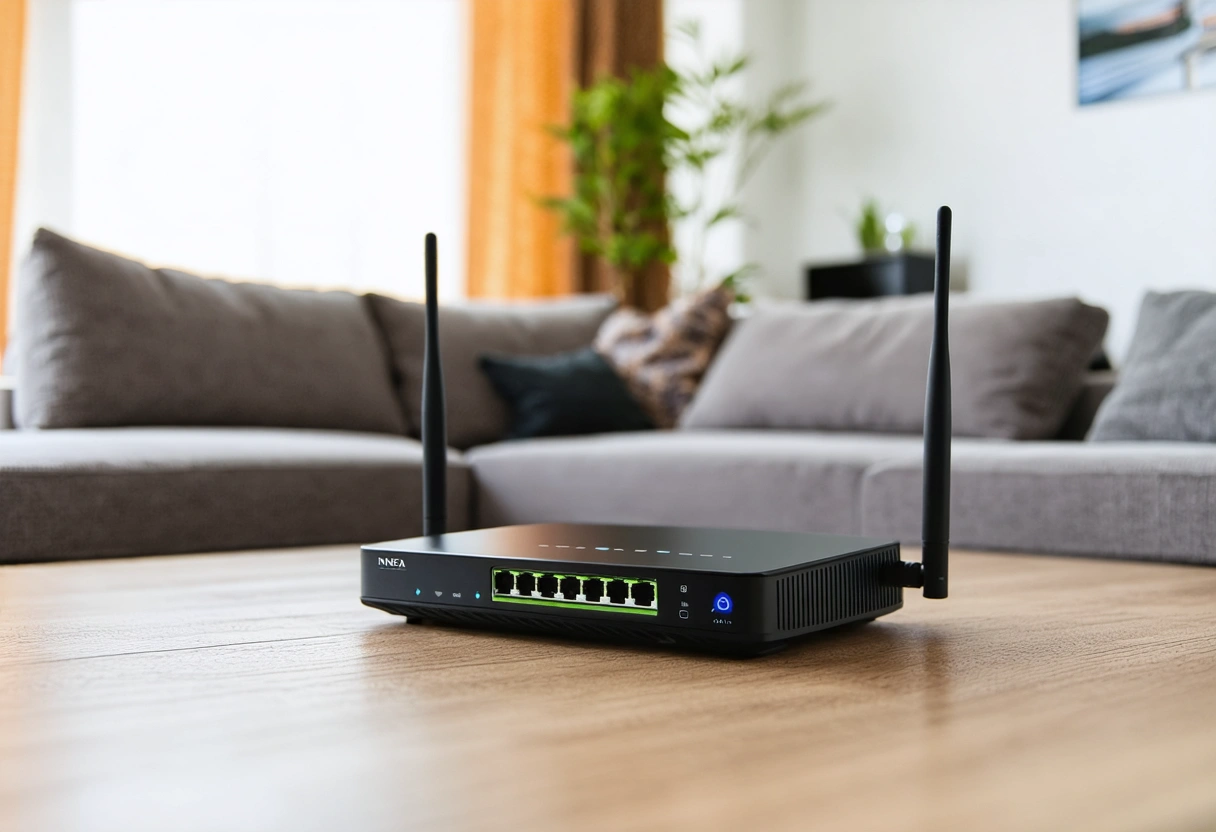
Your home network is the gateway to your digital life and securing it is paramount. Start by changing the default settings on your router. Default usernames and passwords are easy targets for hackers, making your network vulnerable. Use a strong, unique password and update it regularly.
Additionally, enable network encryption. Most routers offer WPA3 encryption, which is the most secure option currently available. If your router doesn’t support WPA3, WPA2 is the next best alternative. Encryption prevents unauthorized users from eavesdropping on your internet traffic.
Using a Virtual Private Network (VPN)
A VPN is an essential tool for remote workers. It encrypts your internet traffic and masks your IP address, making it harder for hackers to intercept your data. By using a VPN, you can securely access company resources and sensitive information over the internet.
When choosing a VPN, consider factors like speed, security protocols, and logging policies. Some VPNs may log your activity, which can be a privacy concern. Opt for a service that offers a no-logs policy and strong encryption standards. For more information on selecting the right VPN, visit this comprehensive guide on VPNs.
Implementing Strong Authentication Practices
Weak authentication protocols are a common vulnerability in many home offices. Implementing strong authentication practices is crucial to protect against unauthorized access. Start with creating strong, unique passwords for all your accounts. Avoid using easily guessable information like birthdays or common words.
Consider using a password manager to generate and store complex passwords. This tool can help you maintain security without the hassle of remembering each password. Furthermore, enable two-factor authentication (2FA) wherever possible. 2FA adds an extra layer of security by requiring a second form of verification, such as a fingerprint or a one-time code sent to your phone.
Biometric and Multi-Factor Authentication
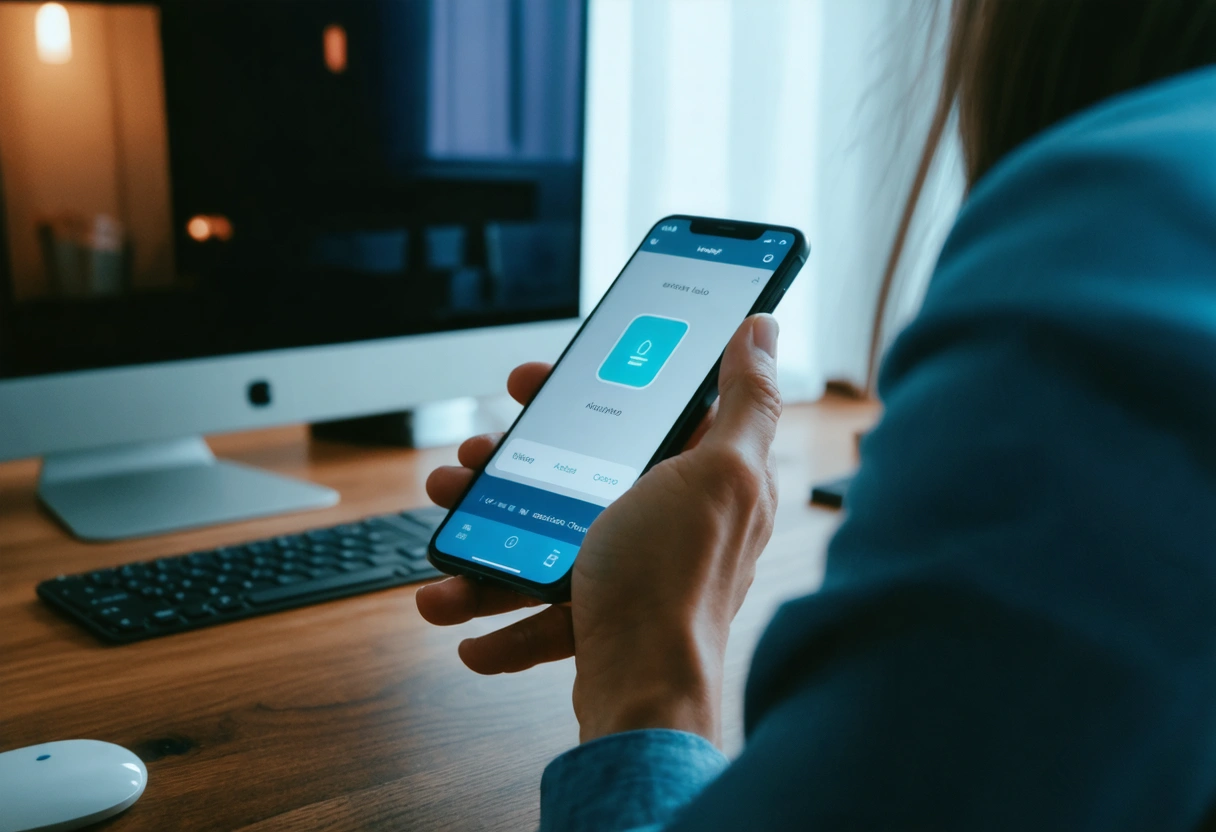
Biometric authentication, such as fingerprint or facial recognition, offers a high level of security. It’s harder to replicate than passwords, providing an additional layer of protection. Multi-factor authentication (MFA), which combines two or more authentication methods, further strengthens your security posture.
For a deeper understanding of how multi-factor authentication can enhance your security, explore this informative article on MFA.
Securing Devices and Software
Keeping your devices and software up to date is critical in protecting against vulnerabilities. Software developers regularly release updates to patch security flaws. Ensure that your operating system, applications, and antivirus software are set to update automatically.
Use reputable antivirus software to scan for malware and other threats. While free antivirus programs can offer basic protection, investing in a premium solution provides more comprehensive coverage. Regularly back up your data to mitigate the impact of a potential cyber attack.
Device Encryption and Remote Wiping
Encrypting your devices ensures that even if they are lost or stolen, your data remains secure. Most modern devices offer built-in encryption options that you can enable in the settings. Additionally, configure remote wiping capabilities to erase data from your device if it’s compromised.
For more on protecting your devices, read this in-depth guide on device protection.

Takeaways
Securing your home office is more important than ever in today’s digital landscape. By understanding cybersecurity basics, creating a secure home network, implementing strong authentication practices, and safeguarding your devices, you can significantly reduce your vulnerability to cyber threats.
As remote work continues to grow, staying informed and proactive about cybersecurity is essential. The strategies outlined in this guide provide a solid foundation, but remember, cybersecurity is an ongoing process. Regularly review and update your security measures to stay ahead of potential threats. For further reading, check out this comprehensive guide on cybersecurity basics.
Advanced Cybersecurity Measures for Home Offices
While basic cybersecurity practices lay the groundwork for a secure environment, advanced measures can further fortify your defenses. These techniques go beyond the essentials and are particularly beneficial for those handling sensitive information or working in high-risk industries. By adopting advanced security protocols, you can ensure that your home office remains a stronghold against potential cyber threats.
Network Segmentation
Network segmentation involves dividing your home network into separate segments or subnets, each with its own security controls. This approach limits the spread of malware and unauthorized access. For instance, you can create a separate network for your work devices and another for personal gadgets or smart home devices. By isolating your work devices, you enhance their security and reduce the risk of cross-contamination from less secure devices.
Implementing network segmentation might require some technical expertise, but the benefits are significant. It ensures that even if one segment is compromised, the others remain secure. This strategy is especially useful for households with multiple users and devices. To learn more about implementing network segmentation, consider exploring this detailed explanation of network segmentation.
Intrusion Detection and Prevention Systems (IDPS)
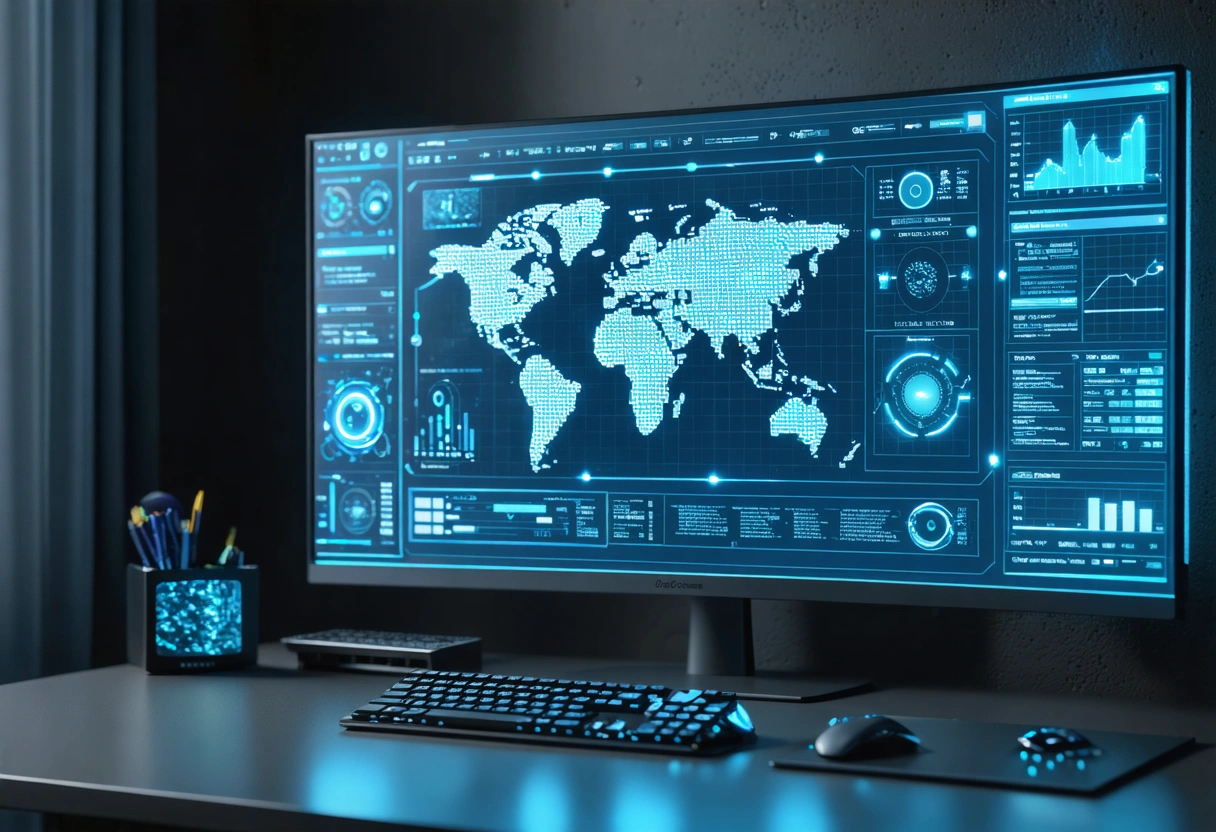
An Intrusion Detection and Prevention System (IDPS) is a crucial tool for identifying and responding to potential security breaches in real-time. These systems monitor network traffic for suspicious activity and can automatically take action to block or limit the impact of threats. While traditionally used by larger organizations, many home users are now adopting these systems due to their effectiveness in enhancing security.
IDPS solutions vary in complexity and cost, but many consumer-friendly options are available that integrate seamlessly with home networks. For those serious about cybersecurity, investing in an IDPS can provide peace of mind and serve as an early warning system against potential attacks. Comprehensive insights into IDPS can be found in this educational article on intrusion detection systems.
The Role of Cybersecurity Education
Understanding and implementing cybersecurity measures is only part of the equation. Continuous education and awareness are critical in maintaining a secure home office. Cyber threats are constantly evolving, and staying informed about the latest trends and techniques can make all the difference in protecting your digital assets.
Engage with cybersecurity communities, forums, and resources to keep abreast of new developments. Many organizations offer free courses and webinars on cybersecurity topics, providing a valuable opportunity to expand your knowledge and skills. By fostering a culture of continuous learning, you can proactively defend against emerging threats.
Training and Resources for Remote Workers
Remote workers should have access to cybersecurity training tailored to their specific needs. Many companies now offer online training sessions that cover essential topics such as recognizing phishing attempts, using secure file-sharing practices, and protecting sensitive data. These trainings not only enhance individual security but also contribute to the overall resilience of the organization.
For independent remote workers, numerous free and paid resources are available online. Websites like Coursera, edX, and Udemy offer courses ranging from beginner to advanced levels. Additionally, cybersecurity blogs and podcasts can provide insights into the latest threats and industry trends. This list of cybersecurity courses offers a great starting point for those looking to expand their knowledge.

Building a Cybersecurity Culture at Home
Creating a cybersecurity culture in your home involves more than just technical measures. It requires fostering awareness and responsible behavior among all household members. Discuss the importance of cybersecurity with your family and establish guidelines for safe internet use. Encourage practices such as using strong passwords, avoiding suspicious links, and reporting potential security incidents.
Children and teenagers, in particular, may need guidance in understanding the risks of online activities. Educate them about the importance of privacy and the potential dangers of sharing personal information. By instilling good cybersecurity habits early, you can help protect not only your home office but also your family’s digital well-being.
Setting Up Family Cybersecurity Policies
Establishing formal cybersecurity policies for your household can help ensure that everyone is on the same page. These policies might include rules for device usage, guidelines for downloading software, and procedures for reporting suspicious activity. Regular family meetings can provide a platform for discussing these policies and addressing any concerns or questions.
Encourage open communication and make it clear that cybersecurity is a shared responsibility. By working together, your family can create a supportive environment that prioritizes safety and security in the digital realm. For tips on creating effective family cybersecurity policies, consult this helpful family cybersecurity guide.
Final Thoughts
Securing your home office is a multifaceted challenge that requires a combination of technical measures, education, and cultural change. While the task may seem daunting, the strategies outlined in this guide provide a comprehensive framework for enhancing your cybersecurity posture. By taking proactive steps and fostering a culture of awareness, you can protect your home office against the ever-present threat of cyber attacks.
Remember, cybersecurity is not a one-time task but an ongoing process. Stay informed, adapt to new threats, and continuously evaluate your security measures to ensure they remain effective. With diligence and commitment, you can create a secure and resilient home office environment that supports your professional and personal endeavors.
Need help with Securing Your Home Office: A Comprehensive Guide to Cybersecurity for Remote Workers?