
As the trend of remote work continues to surge, transforming dining rooms and spare bedrooms into home offices, the focus on securing these spaces has never been more crucial. While working from home offers the comfort of a personal environment, it also opens up numerous security vulnerabilities that need addressing. This guide delves into the essential aspects of securing your home office, ensuring that both your physical and digital workspaces are safeguarded from potential threats.
Understanding Home Office Security Risks
Home offices are subject to a variety of security risks that differ significantly from those in a traditional office setting. With the absence of a centralized IT team, remote workers must take personal responsibility for their digital security.
Cybersecurity threats such as phishing attacks, malware, and ransomware are rampant in the remote work landscape. These can lead to data breaches, financial losses, and compromised personal information. Understanding these risks is the first step in mitigating them effectively.
Physical Security Concerns
Physical security is often overlooked in the home office setting. However, it is equally important as cyber threats. Unsecured devices, sensitive documents left in open spaces, and easily accessible workstations can all pose significant risks. Implementing simple measures such as locking doors, using screen privacy filters, and securing sensitive documents can enhance the physical security of your workspace.
Cyber Threats and Vulnerabilities
The digital landscape is fraught with threats that can compromise the security of remote workers. Phishing emails, unsecured Wi-Fi networks, and outdated software are common vulnerabilities. The use of strong passwords and multi-factor authentication can help protect against unauthorized access. Additionally, conducting regular security audits and using updated antivirus software are crucial steps in safeguarding digital assets.
Implementing Strong Cybersecurity Practices
To create a secure home office, adopting robust cybersecurity practices is essential. This involves a combination of tools and techniques designed to protect both personal and professional data.
Utilizing a Virtual Private Network (VPN)
A VPN encrypts your internet connection, making it difficult for hackers to intercept data. It is particularly useful when accessing company resources from public Wi-Fi networks. By masking your IP address, a VPN provides an additional layer of privacy, preventing unauthorized access to sensitive information.
Regular Software Updates and Patching
Keeping software updated is a critical aspect of digital security. Software updates often include patches for recently discovered vulnerabilities. Ignoring these updates can leave your system exposed to attacks. Set your applications and operating systems to update automatically, ensuring you have the latest security features.
Using Secure Communication Tools
Remote work necessitates frequent communication with team members, making the choice of communication tools important. Opt for platforms that offer end-to-end encryption, which ensures that only the communicating users can read the messages. Popular platforms that prioritize security include Signal and WhatsApp for messaging, and Zoom with appropriate security settings for video conferencing.
Setting Up a Secure Home Network
Your home network is the backbone of your remote work operations. Securing it is crucial to protect against intrusions and ensure a stable working environment.
Changing Default Router Settings
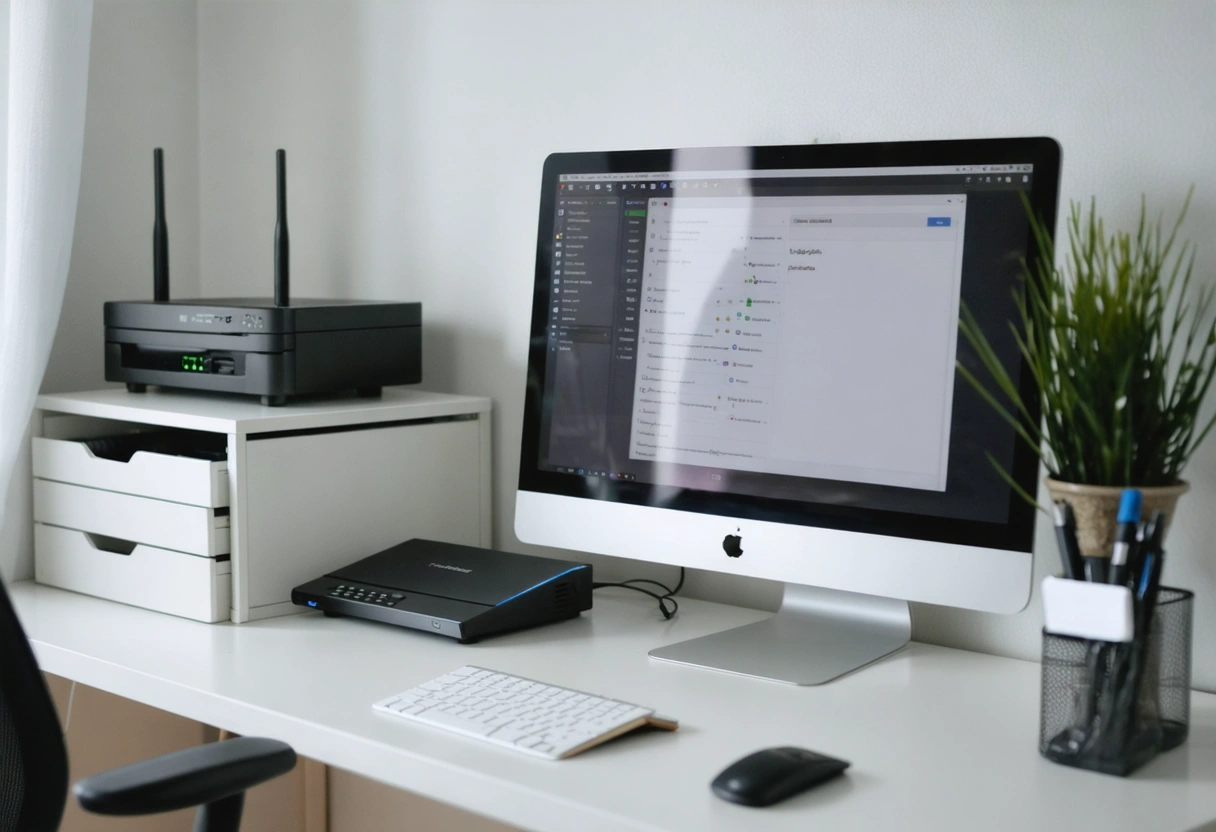
Routers come with default usernames and passwords, which are often easy targets for hackers. To secure your network, change these credentials to something unique and complex. Additionally, changing the SSID (network name) can prevent outsiders from easily identifying your network type and potentially exploiting vulnerabilities.
Implementing Network Encryption
Ensure your Wi-Fi network is encrypted using WPA3, the latest security protocol. This prevents unauthorized users from accessing your network. If your router doesn’t support WPA3, WPA2 is the next best option. Avoid using outdated encryption methods like WEP, as they are easily compromised.

Protecting Personal and Company Data
Data protection is a critical concern for remote workers who handle sensitive information. Implementing proper data management practices can prevent data breaches and loss.
Data Backup Solutions
Regularly backing up data is a fundamental practice to protect against data loss. Utilize cloud-based solutions or external hard drives to store backups. Services like Google Drive, Dropbox, and Microsoft OneDrive offer reliable options for storing your data securely. Ensure that backups are performed automatically and periodically.
Secure Data Disposal
When it is time to dispose of old documents or devices, it is important to do so securely to prevent data from falling into the wrong hands. Shred physical documents and use data wiping tools to ensure that deleted files cannot be recovered from electronic devices. This step is crucial for maintaining confidentiality and compliance with data protection regulations.
Educating Yourself and Your Family
Security is a shared responsibility, especially in a home environment where multiple users may access the network and devices. Educating yourself and your family about security best practices can prevent inadvertent breaches.
Creating a Security-Conscious Household
Teach family members about the importance of cybersecurity. Children, in particular, should be educated on the risks of sharing personal information online and clicking on unfamiliar links. Establish rules for internet usage and encourage open discussions about online safety.
Staying Informed About Security Threats
The security landscape is constantly evolving, with new threats emerging regularly. Stay informed by subscribing to cybersecurity newsletters and following reputable security alerts. Being proactive about learning can help you anticipate and respond to potential threats more effectively.
Takeaways
Securing your home office is a multifaceted task that requires diligence and continuous effort. By understanding the risks, implementing strong cybersecurity practices, and educating those around you, you can create a safe and productive remote work environment. As the nature of work continues to evolve, maintaining a secure home office will be an essential skill for remote workers worldwide.

Taking these steps not only protects your personal and professional information but also contributes to the broader effort of maintaining a secure digital landscape. Stay vigilant, stay informed, and prioritize security in your home office setup.
Enhancing Device Security
Devices such as laptops, smartphones, and tablets are critical components of your home office. Ensuring these devices are secure can significantly reduce the risk of data breaches and unauthorized access.
Implementing Device Encryption
Device encryption is an effective way to protect sensitive data stored on your devices. By encrypting your device, you ensure that even if it is lost or stolen, the data remains inaccessible without the appropriate decryption key. Most modern operating systems offer built-in encryption features, such as BitLocker for Windows and FileVault for macOS. Activating these features can provide an extra layer of security for your data.
Utilizing Biometric Authentication
Biometric authentication, such as fingerprint scanners and facial recognition, offers a secure and convenient way to access your devices. Unlike passwords, which can be guessed or stolen, biometric data is unique to each individual and difficult to replicate. Utilizing these authentication methods can significantly reduce the risk of unauthorized access to your devices.
Remote Wipe Capabilities
In the event that a device is lost or stolen, the ability to perform a remote wipe can be invaluable. This feature allows you to erase all data on the device remotely, protecting sensitive information from falling into the wrong hands. Many device management solutions and mobile operating systems offer this capability, providing peace of mind in case of theft or loss.
Establishing a Secure Work Environment
Creating a secure physical and digital workspace is essential for maintaining productivity and protecting sensitive information. By paying attention to your environment, you can minimize distractions and reduce the risk of security breaches.
Organizing Your Workspace
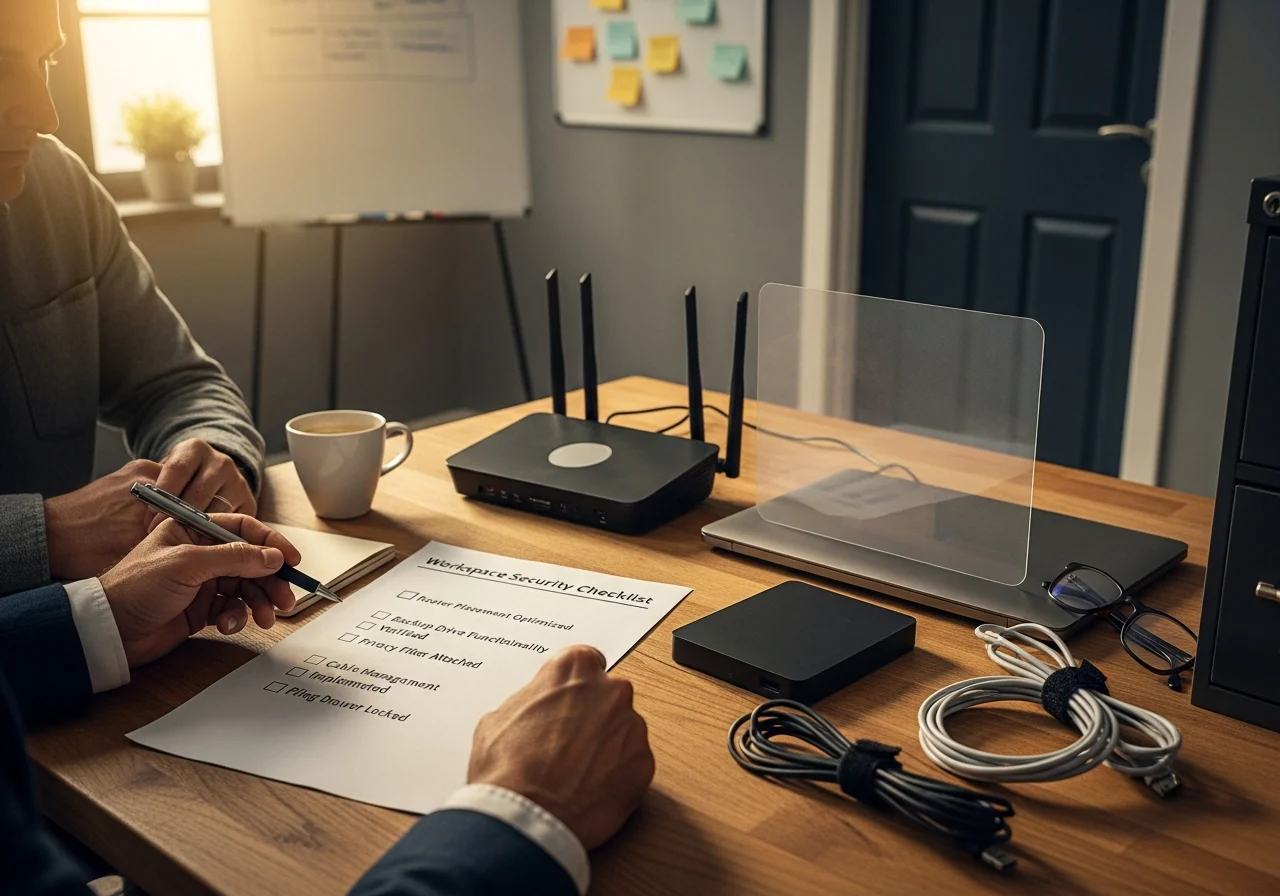
A clutter-free workspace not only enhances productivity but also reduces the risk of security incidents. Ensure that sensitive documents are stored securely, either in locked drawers or cabinets. Keep your desk clear of unnecessary items, and establish a designated area for work-related materials. This organization helps prevent accidental data exposure and loss.
Maintaining Privacy
Privacy is a critical aspect of a secure work environment. Use privacy screens on monitors to prevent shoulder surfing, particularly if you work in a shared space. Additionally, be mindful of your surroundings during video calls, ensuring that no sensitive information is visible in the background. These precautions help maintain confidentiality and prevent data leaks.
Implementing a Clean Desk Policy
A clean desk policy encourages employees to clear their desks of all papers and materials at the end of the day. This practice not only keeps the workspace tidy but also reduces the risk of unauthorized access to sensitive information. By adopting this policy at home, you can ensure that your work environment remains secure, even when you are not present.
Exploring Advanced Security Tools
As remote work becomes more prevalent, advanced security tools are increasingly important for protecting against sophisticated threats. These tools offer additional layers of protection and can be tailored to meet the specific needs of remote workers.
Intrusion Detection Systems (IDS)
An IDS monitors network traffic for suspicious activities and potential threats. By identifying anomalies in real-time, an IDS can alert you to potential security breaches before they escalate. Implementing an IDS in your home network can provide early warnings and help you take corrective actions to protect your data.
Endpoint Security Solutions
Endpoint security solutions protect individual devices from cyber threats. These solutions often include antivirus software, firewalls, and intrusion prevention systems. By safeguarding the endpoints of your network, you can reduce the risk of attacks and ensure that your devices remain protected against malware and other threats.

Security Information and Event Management (SIEM) Systems
SIEM systems aggregate and analyze security data from various sources, providing comprehensive insights into your security posture. By correlating data from multiple devices, a SIEM can identify patterns and detect advanced threats that might go unnoticed by traditional security measures. For remote workers, SIEM systems offer a powerful tool for maintaining a secure home office environment.
Conclusion and Future Considerations
As remote work continues to evolve, the importance of securing the home office cannot be overstated. By implementing robust security measures and staying informed about emerging threats, remote workers can protect their data and maintain a safe work environment. The strategies outlined in this guide offer a comprehensive approach to home office security, addressing both immediate and long-term needs.
Looking ahead, the future of work will likely involve a hybrid model, blending remote and in-office work. As this trend takes shape, organizations and individuals must remain vigilant and adaptable, continuously updating their security practices to meet new challenges. By prioritizing security today, remote workers can pave the way for a safer and more resilient digital future.
Remember, the key to a secure home office lies in a proactive approach, combining the right tools, practices, and awareness to create a fortified work environment. Stay informed, stay secure, and embrace the flexibility and freedom that remote work offers, without compromising on safety.
For additional guidance on securing your home office, consider reviewing resources from NIST’s Home Office Security Guide and the FTC’s Start with Security Guide which provide comprehensive strategies and tips for enhancing your security posture.
Need help with Securing the Home Office: A Comprehensive Guide for Remote Workers?